Wispr Flow vs Granola: what each one does
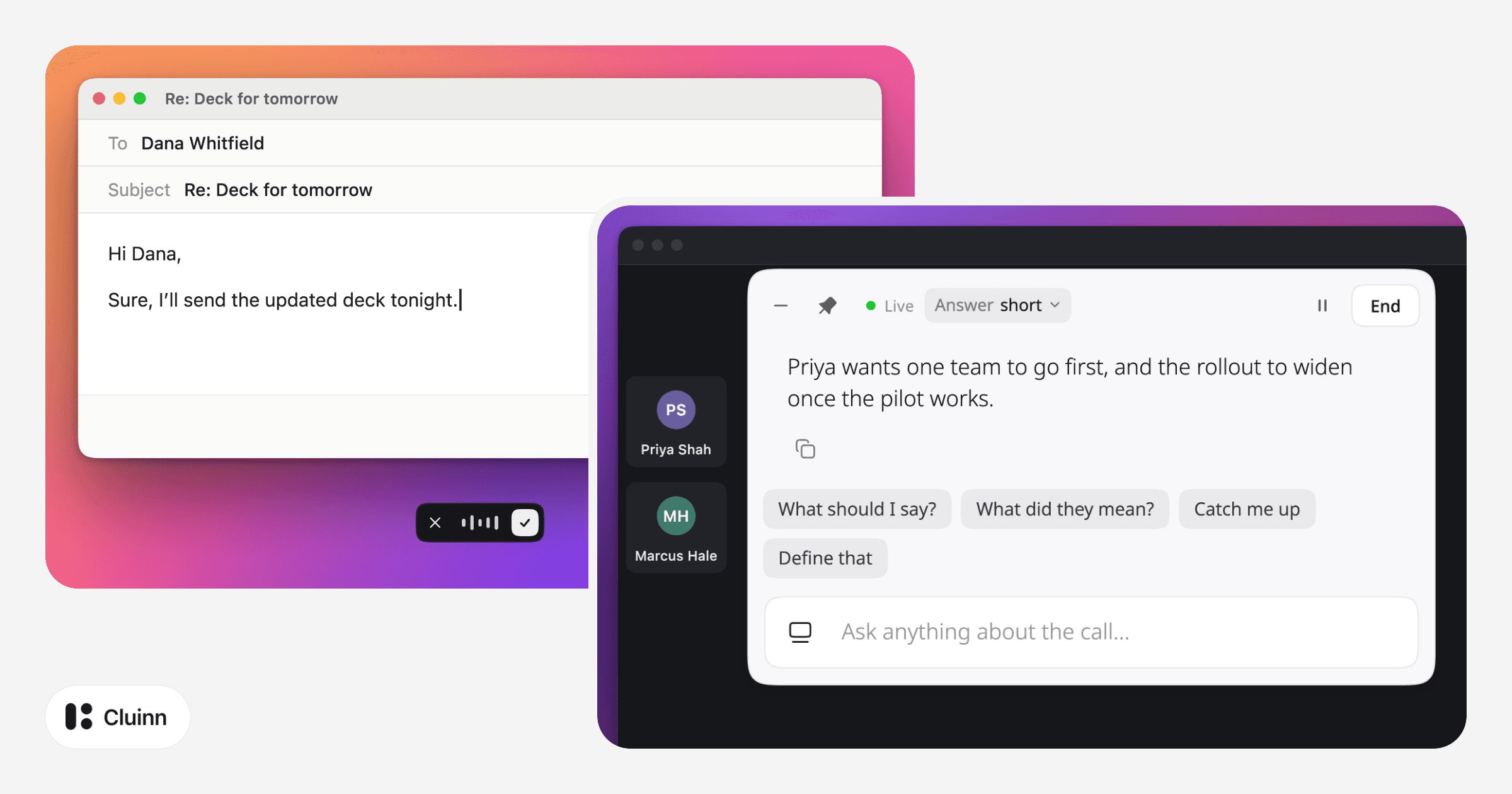
People often ask how Wispr Flow and Granola differ. The short answer is that they do different jobs. Wispr Flow is dictation: you talk and it types, in any app. Granola is a notepad for meetings: it listens to the call and helps you write the notes.
This page sets out what each one does, where they overlap and how to choose. Everything said here about the two products comes from their own websites, read on 9 October 2026. The links are at the end. We make Cluinn, a Mac app that does both jobs, so it is in the table too.
At a glance
| Wispr Flow | Granola | Cluinn | |
|---|---|---|---|
| Dictation | |||
| Types what you say in any app | Yes | Not listed | Yes |
| Cleans it up and matches each app’s style | Yes | Not listed | Yes |
| Your own words and snippets | Yes | Not listed | Yes |
| Types it in another language | Not listed | Not listed | Yes |
| Calls | |||
| Transcript with no bot in the meeting | Yes | Yes | Yes |
| Action items after the call | Yes | Yes | Yes |
| Ask about any of your past calls | Yes | Yes | Yes |
| Speaker names | Yes | Not listed | Yes |
| Help during the call | A recap and an ask box | AI chat | Answers from the call so far |
| Cards that speak up without being asked | Not listed | Not listed | Yes |
| A goal checked on every call | Not listed | Not listed | Yes |
“Not listed” means we did not find it on that product’s own pages on 9 October 2026. It may still exist.
What Wispr Flow does
Wispr Flow turns speech into writing. Put your cursor in a text field, talk, and the text appears there, in any app on your computer. Its site says it removes filler words, adds punctuation and formats what you said, and that it adapts to how you write in different apps. You can add your own words and names, and save snippets for text you type often. It lists more than 100 languages.
Wispr Flow also has a Notetaker for meetings, on Mac and Windows. It records on your computer instead of joining the call as a bot. During the call it shows a live transcript, and afterwards it gives you the transcript, a summary and next steps.
What Granola does
Granola calls itself an AI notepad for meetings. You write down as much or as little as you like during the call. Granola transcribes in the background from your computer’s audio, so it does not join the meeting, and it uses what was said to write up clear notes.
It works with Zoom, Google Meet, Microsoft Teams and other meeting apps. It also has an AI chat for asking about your meetings.
The Granola pages we read do not mention dictating into other apps. It is built for meetings.
Where they overlap
Meetings. Wispr Flow’s Notetaker and Granola both capture a call from your own computer, with no bot in the meeting.
They come at it from different sides. Wispr Flow’s site leads with dictation and presents the Notetaker as new. Granola’s site is about meetings, and its notes start from what you type during the call.
Because no bot joins, the other people on the call see no notice. Whichever app you use, tell them you are transcribing before you start. Recording rules differ by region, and some places need everyone on the call to agree.
How to choose
- You want to write by voice, in email, chat, documents or code. That is dictation, so start with Wispr Flow.
- You want better notes from meetings, and you like typing a few of your own during the call. That is Granola.
- You want both in one app. Wispr Flow does both, and so does Cluinn. Cluinn also has Smart Cards, which speak up during a call without being asked, and Coach, which checks a goal on every call.
Where Cluinn fits
We make Cluinn, so weigh this part with that in mind.
Cluinn is a Mac app that does both jobs. For dictation, you press a hotkey, talk, and cleaned-up text lands at your cursor, in the writing voice you set for that app. It can also type what you say in another language.
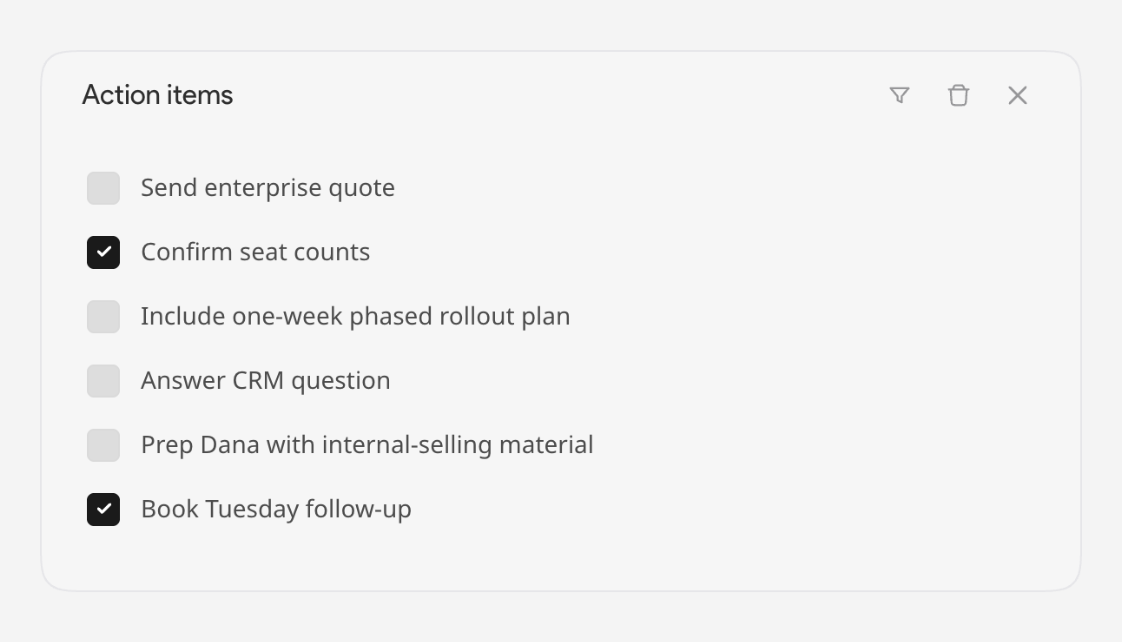
For calls, it listens on your Mac and no bot joins. While the call runs you can type a question and get an answer from what has been said so far, and a strip of Smart Cards brings up things nobody asked about, such as a question that never got an answer. Afterwards the call is saved as text on your Mac, with its action items, reminders and key points. Coach then reads each saved call against a goal you set, and shows what slipped and what went well.
Its limits:
- Mac only. It needs a Mac with Apple silicon (M1 or later).
- A free trial, then a paid plan. You add a card to start the trial.
- Calls is part of Pro. The Basic plan is dictation only.
- No integrations. It does not send anything to a CRM or to other apps. You copy the text or download it.
If that sounds like a fit, you can download Cluinn for Mac.
Sources
Checked on 9 October 2026.
- Wispr Flow: home page, pricing and Notetaker
- Granola: home page and pricing
- Cluinn: questions and answers, What Calls does, Plans and trials and Cluinn for sales