Engineers Bug reports, spoken and ready to file.
Describe the bug out loud and get a paragraph someone else can act on, with the technical words spelled the way you said them.
A Developer voice, built in.
Run a note through the built-in Developer persona and a precise version stacks beside it: technical terms kept as you said them, names like API, JSON and PostgreSQL spelled properly and run-ons split. It’s ready for the ticket.
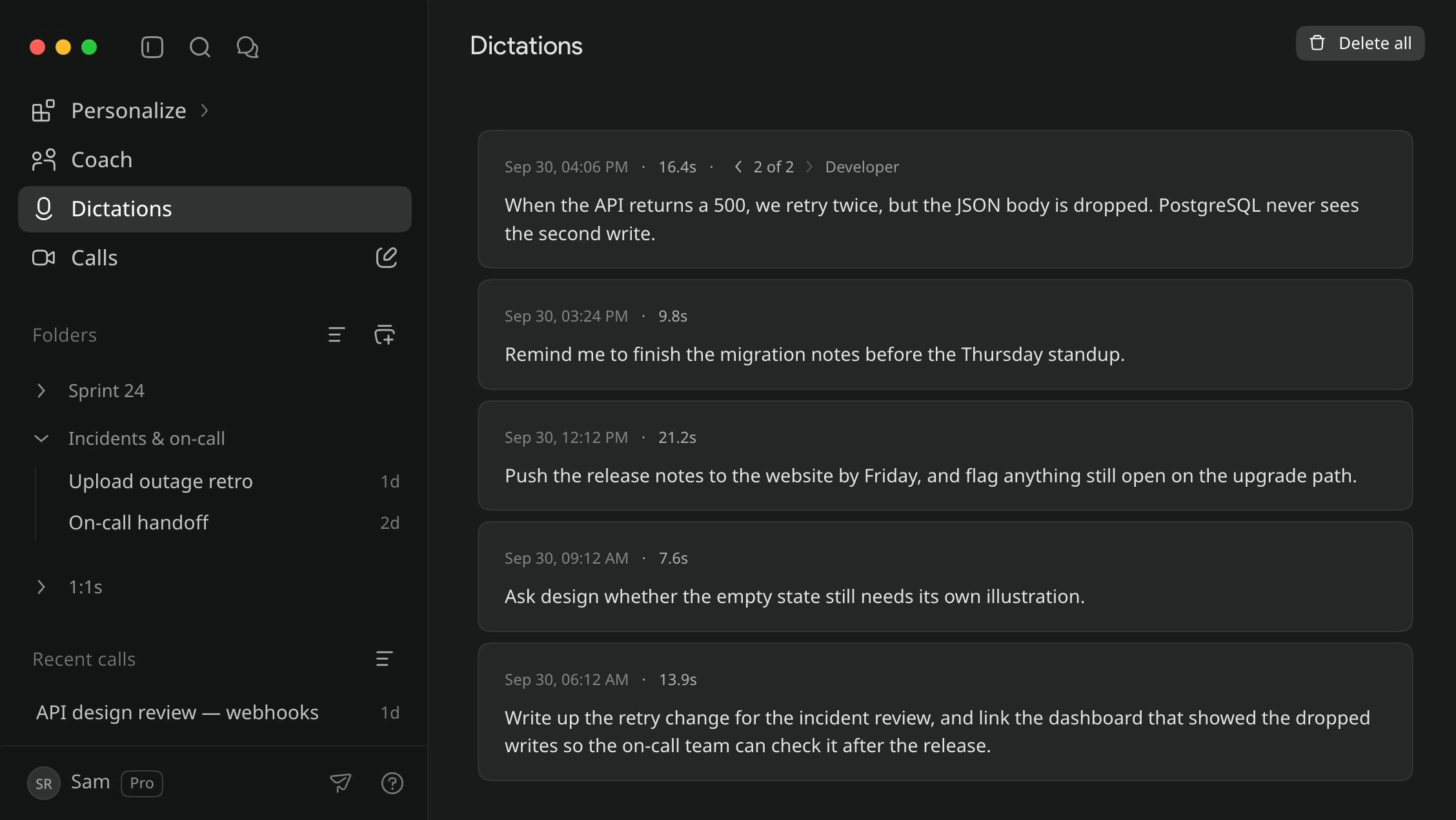
Each tool gets its own voice.
Give one persona your editor and another your issue tracker, and each switches on by itself there. Teach the dictionary your service names and internal acronyms once and they’re spelled your way from then on.
Code comes back as a block you can copy.
When you ask about a call and the answer includes code, it’s syntax-highlighted and labelled, with a copy button. Handy after a retro, when the part you need is a few lines to paste somewhere.
Common questions
Which parts need Pro?
All of the call side: recording a call, asking it questions (code blocks included), takeaways and search by meaning. Basic is dictation only, with personas and snippets; transcripts you already saved stay viewable, searchable by keyword and downloadable on every plan.
Is there an editor plugin?
No. Cluinn types wherever your cursor is, so your editor, your terminal and a browser text box all work the same way. It has no awareness of your repository and never runs anything.
Does dictation produce formatted code?
No. Dictation types plain text at your cursor. Code blocks appear in AI answers about a call, not in what you dictate.
Does my dictionary apply to call transcripts?
Only dictation uses it. Call transcripts are left as spoken.